
The to-do list that turns finished tasks into LinkedIn and X posts.
Dump what’s in your head. Cupkey turns it into tasks and tells you when the day is full, so you ship without burning out. Every task you finish can become a post, and Homer turns a month of work into your next launch update or client pitch.
ok this week: client proposal (90 min?), onboarding screens still broken, weekly report due, roadmap needs an update
Change any of them. Nothing is saved until you say so.
Cupkey reads what the task was about and writes about the idea behind it.
Every screen in an onboarding flow is a place someone can quit. Ours had six. We asked what a new user really needs on day one. Three screens survived. The rest can wait until day three.
Half your onboarding questions can be asked on day three.
So what have you actually shipped?

- Rebuilt onboarding from six screens to three.
- Wrote the client proposal and sent it the same day.
- Posted about the work six times along the way.
You did the work. Now let people see it.
You know you should post about your work. You just never do, because by the time you sit down to write, the day’s gone. Cupkey already knows what you finished and how long it took. Pick a task and it writes the LinkedIn post or the X post for you.
- Written from your real tasks, with real numbers
- Sounds like a person, not a press release
- LinkedIn and X, each in its own style
- You read it, tweak it, post it
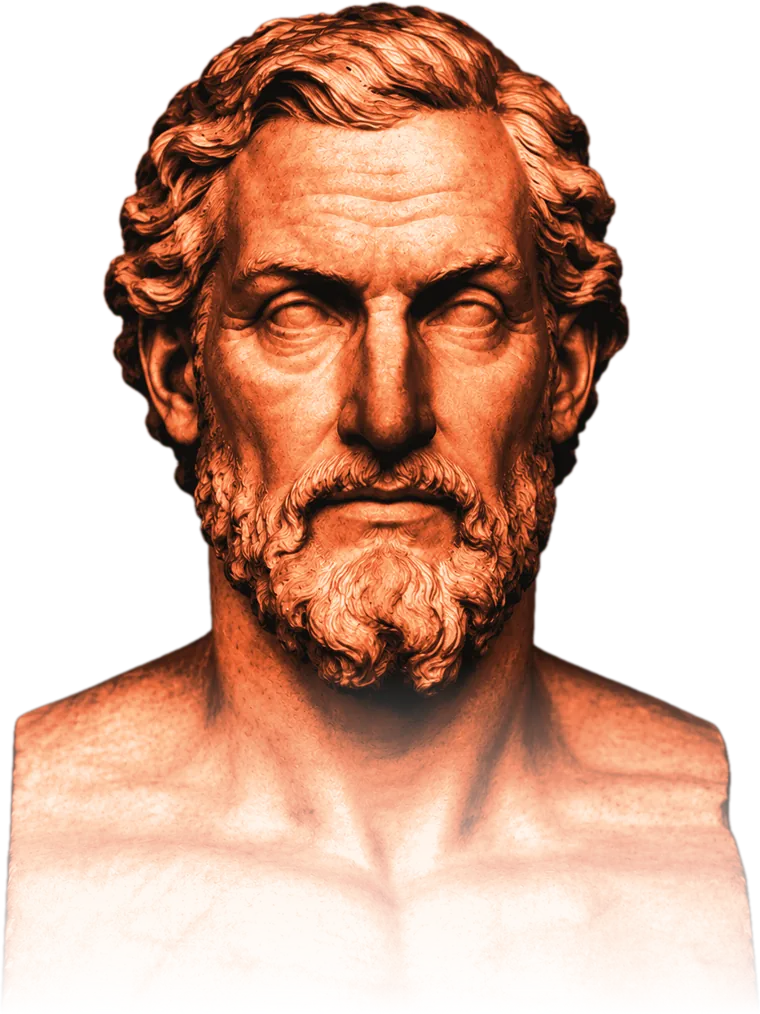
Homer remembers everything you did. So you don’t have to.
Launch post due? Client pitch on Monday? Most of us sit there trying to remember what we shipped in March. Homer reads every task you’ve finished in Cupkey and turns it into a story people want to hear, with real projects, real numbers and your best wins up front.
- Build-in-public recap. Your month of work, ready to post for the people following along.
- Client pitch. Proof of what you can do, built from work you really shipped.
- Coaching. What to lead with, and what to leave out.
- You shipped the new onboarding flow, three weeks ahead of plan.
- You cut the weekly report from 4 hours to 90 minutes, and wrote up how.
- You ran 14 client calls and sent every follow-up the same day.
Your list keeps growing. Your day doesn’t.
A to-do list lets you keep adding. It never asks when you’ll actually do any of it. So it piles up, and the important stuff waits. Cupkey doesn’t stop at planning. It fits work into real hours, keeps you on track while you work, and gets things done.
A regular to-do list
Still Monday?The same day in Cupkey
Monday
It knows your hours
You tell it when you work and when you take breaks. Your meetings come in from Google or Outlook on their own. So you plan around your real day, not a blank page.
It keeps you on one thing
Start a task and Cupkey times it. You always know what’s next and when it’s due. And it stops at 80% of your day, so a 3pm surprise doesn’t wreck the afternoon.
It fixes your day
Day running out with tasks still open? Hit Fix my day. Cupkey looks at the time you have left, tells you what you can still finish, and moves the rest to tomorrow.
Four minutes on Monday. Then it runs.
Set it up once. After that, planning tomorrow takes two minutes while your laptop’s still warm.
Tell Cupkey when you work
Your hours, your breaks, and your calendar on read-only. Your real week shows up with the meetings already sitting in it.
Add tasks and how long they take
Every task gets a time. Cupkey drops it into a gap that actually exists and tells you when it’ll be done. No gap, no promise.
Hit the cap and stop
This is the whole app in one moment. Past the line, Cupkey stops packing and moves the task to tomorrow, where it has a chance. You can override it. It’ll just remind you on Friday that you did.
Day ending? Hit Fix my day
You planned ten things and finished four. It happens. Hit Fix my day and Cupkey looks at the time you have left, picks what you can still get done, and moves the rest to tomorrow. No guilt, no late night.
Your week, already written up.
Cupkey times your tasks while you work, so your timesheet fills itself in. At the end of the week, export it as Excel or PDF, or share a link with your manager or your client. No more rebuilding Friday from memory.
| Day | Tasks done | Planned | Logged | Accuracy |
|---|---|---|---|---|
| Mon | 7 | 6h 40m | 7h 05m | 94% |
| Tue | 6 | 6h 10m | 6h 35m | 93% |
| Wed | 8 | 5h 50m | 5h 30m | 95% |
| Thu | 5 | 6h 00m | 6h 45m | 89% |
| Fri | 4 | 4h 00m | 3h 50m | 96% |
| Week | 30 | 28h 40m | 29h 45m | 93% |
For people whose work should speak for itself.
Have customers waiting before you launch.
Post what you build while you build it. By launch day, people already know what you made and want in.
Cupkey for builders For freelancersDon’t let clients eat your evenings.
See what fits before you say yes, send clean timesheets, and show your work to land the next client.
Cupkey for freelancers For professionalsDon’t just grow. Hyper-grow your career with Homer.
Leave on time, keep a record of every win, and walk into every review and interview with your story ready.
Cupkey for professionals
Chennai, India
Why we made another planner
I used to finish the day with a tidy list of ticks and no idea where the hours went. The list said I was productive. The evening said otherwise. Every app I tried was happy to hold more tasks. None of them ever told me the day was full.
So Cupkey starts with the one thing a list can’t do. It puts your work into real hours, around the meetings you can’t move. Add a ninth task to an eight-hour day and it tells you, before you say yes. Start something and it times you, so next week’s guesses come from your own history.
Then I noticed the second problem. I’d do good work all week and show it to nobody. Come appraisal time, I couldn’t remember half of it. I knew I should post about what I was building. I just never found the time.
So now Cupkey keeps the record for you. Your finished tasks become timesheets, LinkedIn posts and X posts. And Homer turns the whole lot into a story you can take into your next review or interview.
That’s the idea. Plan the day, protect the breaks, measure the truth. Then show it.
Meet fellow Cups
Cups are people who decided finishing beats cramming. Nobody posts a fourteen-hour day here. Every Friday, Cups share their week: hours, streaks, and the estimate they got embarrassingly wrong. Turns out that’s the flex.
 Day closed
 5-day streak
 Said no twice
Free to plan. Pay when you want more AI.
The planner is free and stays free. Paid plans give you 50 credits a month for posts and Homer, plus unlimited timesheet exports.
The small helpers that keep the day honest.
Notes to tasks
Paste meeting notes, a Slack thread or a messy list. Cupkey splits it into clear tasks, each with a time, and adds nothing until you say so. Free turns up to 10 tasks a day. Pro has no limit.
Fix my day
Running behind? Cupkey looks at the time you have left and suggests what to park, what to shorten and what to move to another day. You pick the moves. It reschedules them.
Halfway check-in
Halfway through a timed task, Cupkey asks what you are on, what is done and what is left. You spot the task that is drifting before it eats the afternoon.
Estimates you can trust
Not sure how long something takes? Ask for an estimate based on your defaults and today’s history. The timer then shows how close it was.
What to do next
Too many open tasks? Get your queue reordered impact-first, or one focus line for the block you are in, so you start instead of scrolling.
A coaching note
A short, honest note built from what you planned and what you actually logged today. No generic hustle advice.
Fix my day, estimates, reordering and coaching notes use AI credits: 5 to try on Free, 50 a month on Pro. Notes to tasks has its own daily allowance. Nothing changes in your plan until you apply it.
Rewards for finishing, not for cramming.
Your streak, in the top bar
Finish at least one task a day and your streak grows. Three days in a row earns Steady Streak. Five earns Consistency. Miss a day and it starts again, so it means something.
11 badges for real habits
Badges reward planning the day, closing it, keeping the load between 40% and 80%, and logging real time. None of them reward a fourteen-hour day.
Share the good weeks
Turn a badge, your day or your weekly report into an image card and post it on LinkedIn or X in a couple of clicks.
- Planner · Schedule at least one task for today
- On Track · Mark your first task done
- Day Closer · Finish everything scheduled for today
- Focus Zone · Keep the day between 40% and 80% full
- Timekeeper · Log real time with Start and Stop
- Daily Learner · Finish a learning task today
- Steady Streak · Finish work 3 days in a row
- Consistency · Keep a 5-day streak
- Week Warrior · Finish 5 or more tasks this week
- Record Keeper · Create 3 or more tasks this week
- AI Spark · Finish an AI-related task
Plan tomorrow in four minutes. Then go and run it.
Connect a calendar, set your hours and breaks, write down three things. Cupkey does the rest, and tells you when you’re kidding yourself.
Featured on